A paraphrasing tool rewrites text while keeping its meaning. You paste a sentence or a paragraph, choose how it should be rewritten, and get a version that says the same thing differently — clearer, shorter, more formal, or simply in words that are not the original author’s.
- 9
- Rewriting modes
- 0–100
- Synonym control
- 12
- Languages
- $0
- To start
The basics
What is a paraphrasing tool?
It rewrites text without changing what the text says. That distinction matters: a paraphraser is not a summariser (which removes information) and not an editor (which fixes errors). Every fact, figure and claim in your original survives — only the wording and sentence structure change.
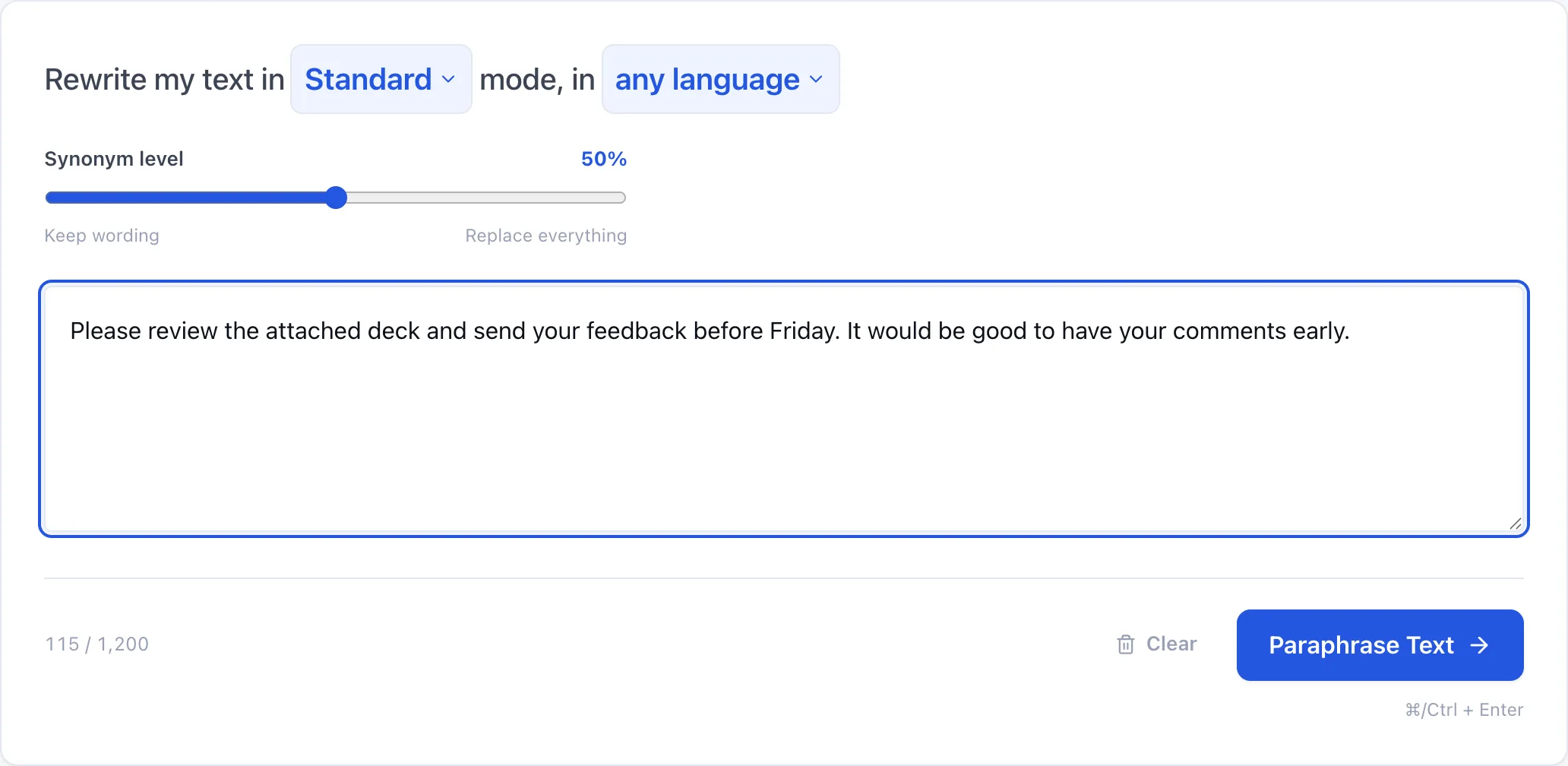
Most tools give you one rewrite and a button to try again. This one gives you two controls instead: a mode that decides what kind of rewrite you want, and a synonym level that decides how far it goes.
Getting started
How to paraphrase text in three steps
Paste your text
Anything from a single sentence upward. Three words is the minimum; there is no point rewriting less than that.
Pick a mode
Standard for a straight rewrite. Fluency when the writing is correct but reads stiffly. Simple when it is dense. Formal or Academic for professional and scholarly contexts.
Set the synonym level, then rewrite
Low keeps most of your vocabulary and restructures sentences. High replaces nearly every word it can. Fifty is a sensible default.
Reference
What each of the nine modes does
| What it changes | Reach for it when | |
|---|---|---|
| Standard | Vocabulary and sentence structure | You just need it said differently |
| Fluency | Flow, transitions, awkward phrasing | It is grammatical but reads stiffly |
| Simple | Long words and complex clauses | The reader is not a specialist |
| Formal | Register — removes contractions and slang | It is going to a client or an executive |
| Academic | Adds hedging and discipline-appropriate terms | Writing for a journal or a dissertation |
| Creative | Metaphor, rhythm, unexpected word choice | Marketing copy that reads as boilerplate |
| Humanize | AI patterns — adds contractions and variation | The text was machine-generated |
| Expand | Length, up by roughly 40–60% | Too terse to carry the point |
| Shorten | Length, down by roughly 30–50% | It rambles |
Standard, Fluency and Simple are free. The other six are Premium.
The other dial
What the synonym level actually does
Mode decides the kind of rewrite. The synonym level decides how aggressive it is — and it is the control that most often fixes a disappointing result.
0–20 · Barely touched
Sentence structure is reworked but your vocabulary survives almost intact. Use this when the words are right and only the rhythm is wrong — and when the text contains terminology you must not lose.
40–60 · Balanced
The default. Noticeably different wording, meaning and terminology preserved.
80–100 · Fully reworded
Nearly every replaceable word is swapped. Powerful, but check technical terms — this is where a domain-specific word can get traded for a vaguer synonym.
Proof
The same sentence, three ways
Formal mode, synonym level 70
Your brief
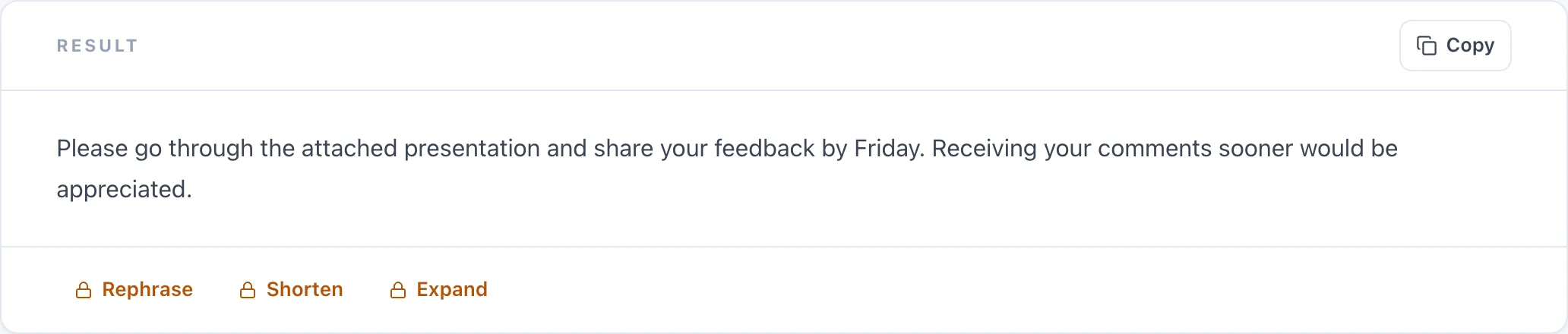
Please review the attached deck and send your feedback before Friday.
Formal · 70% synonym level
Result
Kindly examine the attached presentation and provide your comments by Friday.
Simple mode, synonym level 40
Your brief
The implementation of these technologies requires careful consideration of data quality and governance frameworks.
Simple · 40% synonym level
Result
Using these technologies means thinking carefully about data quality and how it is governed.
Limits
When not to use a paraphraser
- Legal, medical or financial text where a synonym can change the meaning of a defined term.
- Quotations. A paraphrased quote is no longer a quote.
- Anything you have not read afterwards. Always check the rewrite still says what you meant.
- Text with names or figures you cannot verify — the tool preserves them, but you should confirm.
Pricing
What is free, and what is not
Free
- Complete, full-length rewrites
- Standard, Fluency and Simple modes
- Full synonym slider
- 18 languages
- A few rewrites a day as a guest
Premium
- Formal, Academic, Creative modes
- Humanize, Expand and Shorten
- Much longer inputs
- The highest daily limit
More
Other free writing tools
Frequently asked questions
Is this paraphrasing tool free?
Yes. Free results are complete, full-length rewrites — not previews. Three of the nine modes are free, along with the full synonym slider and all eighteen languages. Premium adds the other six modes, longer inputs and a higher daily limit.
Will paraphrasing change my meaning?
No. The tool preserves facts, figures and claims exactly; only wording and structure change. At very high synonym levels, check any technical terms — an aggressive rewrite can swap a precise word for a vaguer synonym.
What is the difference between the modes?
Standard rewrites vocabulary and structure. Fluency fixes flow. Simple reduces complexity. Formal and Academic change register. Creative adds fresh phrasing. Humanize removes AI patterns. Expand and Shorten change length.
What does the synonym level do?
It controls how aggressively words are replaced. Low restructures sentences but keeps your vocabulary. High replaces nearly every word it can. Fifty is a balanced default.
Can I use this to avoid plagiarism detection?
No, and please do not try. Rewording someone else's work is still plagiarism — every major style guide treats an uncited paraphrase exactly as it treats an uncited quote. Use it on your own drafts, and cite your sources.
Does it work on languages other than English?
Yes, twelve including Spanish, French, German, Portuguese, Hindi, Arabic, Japanese and Chinese. It can also detect the language automatically and rewrite in the same one — it does not translate.
How much text can I paraphrase at once?
Free users can rewrite a few thousand characters per request. Premium accepts much longer passages. There is a three-word minimum.
Is it the same as an article rewriter or spinner?
No. Article spinners swap words mechanically from a thesaurus and produce text that reads as broken. This rewrites with the meaning in view, which is why it can restructure a sentence rather than only substituting words.
Do you store the text I paste in?
No. We do not store your input or the rewrites we generate — only anonymous counts, to enforce daily limits.
Will the result sound like me?
At low synonym levels, largely yes — your vocabulary survives and only the structure moves. The higher you push the slider, the more the voice becomes generic. If keeping your voice matters, stay under 40.